
Upload Image
Drop PNG, JPG, or WebP — single file or entire folders.
Real-ESRGAN on your GPU — private, offline, and free. No cloud uploads. Just stunning 4× enhancement in seconds.
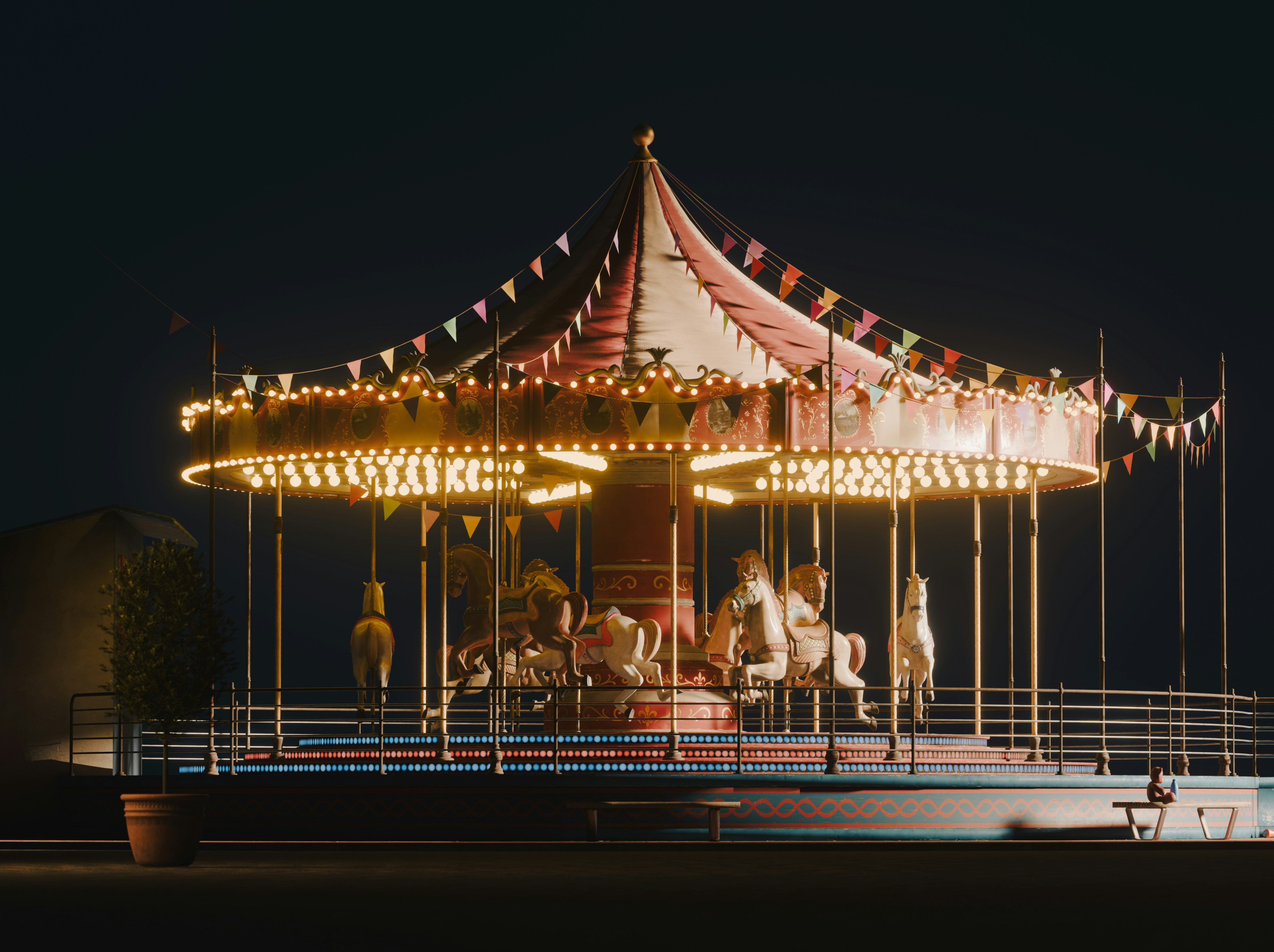
Drag to compare
Trusted by creators worldwide · Built on
0%
Local & private processing
Multi-Model
Real-ESRGAN, UltraSharp, Fast-GPU
Cross-Platform
Windows, macOS & Linux
0×
Higher output resolution
From drop-in to export — a focused pipeline on your GPU.
Drop PNG, JPG, or WebP — single file or entire folders.
Real-ESRGAN, UltraSharp, or Fast-GPU — tuned for your source.
Preview, compare, and save crisp output to your folder.
A focused cockpit — previews, models, GPU telemetry, and render progress in one view.
Reconstructing detail pass · tile 18/24
Specialized AI pipelines — swap models in one click, render locally on your GPU.
Industry-standard super-resolution for photos, screenshots, and mixed content at 2×–4× scale.
Preserves clean line art and flat color regions — ideal for anime, manga, and cel-shaded artwork.
Recovers detail in faded scans, old prints, and compressed JPEGs with balanced denoise and clarity.
Rebuilds surface detail in tileable textures, normal maps, and game assets without muddy artifacts.
Blurry photo or pixel soup? Upscayl is built for exactly that.
Old photos, compressed JPEGs, and tiny game textures lose detail when stretched in basic editors. Guessing settings or paying for cloud tools is slow, expensive, and risky for private work.
of creators hit resolution limits weekly
Upscayl uses advanced AI to reconstruct detail: pick an image, choose a model and scale, and let your GPU do the rest. Preview modes help you compare before you save.
average upscale factor in one pass
Everything runs locally with Vulkan acceleration. Images never leave your computer — creators, studios, and developers can upscale sensitive files without the cloud.
bytes uploaded to the cloud
From social posts to game textures — upscale locally, privately, and free.
Social posts, thumbnails, and portfolio shots that need a clean upscale without a monthly AI bill.
UI mockups, print prep, and client deliverables where color and edge fidelity matter.
Game textures, icons, and legacy asset pipelines upscaled in batch on your own machine.
Illustration, anime line art, and texture work with models tuned for different visual styles.
Product photography and archives improved offline for teams that cannot use cloud inference.
Free forever, open source, and yours to keep after one download. No account required.
The app millions use on Linux, macOS, and Windows — with constant open-source improvements.
Download once, use forever. AGPL-licensed code you can inspect, fork, and trust. No paywall for core upscaling.
Scale factors far beyond simple resize. Restore detail for print, screens, and archival projects.
Real-ESRGAN, UltraSharp, illustration, and anime models — pick the right neural network for your source.
Point at a folder and queue hundreds of files at once. Ideal for textures, photo sets, and production pipelines.
A second pass for tough JPEGs and heavily compressed sources when a single upscale is not enough.
Hardware-accelerated Vulkan on your dedicated GPU. Fast, local, and private by design.
Why users choose offline AI for serious image work.
Feedback from artists, developers, and communities worldwide.
"I searched everywhere and landed on Upscayl. It's free and beats paid trials for straightforward upscaling with minimal unwanted changes."
"Upscayl is free and effective when you need an upscale with minimal drift. Exactly what I wanted for photo restoration."
"It runs locally — great for security and privacy. Open-source upscaling that still feels like magic every time."
"I use Upscayl almost daily. The interface keeps improving, and results on a Vulkan GPU are consistently strong."
Quick hits before you download — tap any card to expand.
Yep. Upscayl is 100% free and open source — no premium tier, no sneaky subscription. Download it, upscale your stuff, keep your money for snacks.
Absolutely not. Everything stays on your machine. Your images never touch our servers — we love your privacy as much as your high-res art.
You need a Vulkan-compatible GPU (Nvidia, AMD, or Intel Arc). Integrated graphics can work, but update your drivers first.
Please do. Batch mode lets you queue entire folders — point, click, walk away. Your GPU does the rest.
Free, local, and lightning-fast — restore detail in photos, art, and textures without ever uploading a file.
Free forever · Open source · No account required